Have you ever marveled at how some websites mimic the seamless experience of a mobile app? Perhaps, you have wondered how you could achieve such a feat for your own website, creating an engaging, user-friendly experience that captures the attention of your audience. In an era where mobile users dominate the online world, developing a website that looks and feels like an app can make all the difference in capturing this audience’s attention and delivering a unique experience.
Creating a website that mimics the look and feel of a mobile app isn’t just about aesthetics; it is about crafting an experience that integrates smoothly into the lives of your users. This article will guide you through the steps of transforming a traditional website into an app-like marvel, ensuring a rich experience that keeps users coming back for more. With just the right mix of design, functionality, and innovation, you’ll not only meet your audience’s expectations but exceed them.

Understanding the Essence of Mobile-App-Like Websites
The first thing you should grasp is what makes mobile apps so appealing? Apps are designed for efficiency. They know what you want even before you do, operating with a fluidity and ease that keeps users engaged. At the core of a website that mimics a mobile app is this very principle: user-centric design. It’s about focusing on simplicity, intuitive interface, and speed.
Imagine a scenario where you’re opening an app. It’s swift, doesn’t take time to load, and guides you efficiently to your desired destination. The mobile-app-like website should aim to replicate this experience. It’s not just a matter of shrinking your web elements to fit smaller screens, but rather rethinking interaction, engagement, and the overall user journey.
Why You Should Consider a Mobile-App-Like Website
Let’s start by considering why you should invest your time and resources into creating a website that looks and feels like a mobile app. There’s a growing trend of mobile-first users—people who predominantly access the internet through their smartphones. By crafting a mobile-app-like experience, you’re catering directly to this audience, ensuring your website aligns with their preferences.
Additionally, websites that function like mobile apps often result in higher engagement rates. Users are more likely to interact with and return to a site that feels intuitive and easy to navigate. This fosters a sense of connection with your brand, potentially increasing both user loyalty and conversions.
Key Elements That Transform a Website into a Mobile-App Experience
To create a website that looks like a mobile app, certain elements must come into play. These aren’t just about looks; they’re functional elements that dictate how users will engage with your site:
1. Responsive Design
Responsive design is foundational. Your website should adapt seamlessly to various devices, whether it’s a tiny smartphone screen or a sizable tablet. This goes beyond fluid grids and flexible images; it’s about providing an optimal viewing experience.
2. Minimalistic Interface
Simplicity is the key to app-like designs. A clean, clutter-free interface allows users to focus on content without distractions. Minimalism doesn’t mean scarcity; it’s about offering what’s essential and streamlining navigation.
3. Fast Loading Times
Speed is an imperative factor. Users expect quick access to information, and a site that lags risks losing visitors’ interest. Mobile apps are quick, and so should your website be. Invest in optimizing load times and reducing unnecessary elements that slow down performance.
4. Intuitive Navigation
Navigating through a mobile app is straightforward. The same should apply to your website. Use recognizable icons, dropdowns, and other interactive elements that are easy to understand and use. A well-thought-out navigation system is essential for improving user experience.
5. Incorporate Mobile Gestures
Consider integrating gestures commonly used in mobile apps. Swiping, pinching, and tapping are intuitive actions that many people are familiar with. These interactions offer users a sense of agency and involvement with your site.
6. Offline Capabilities
Incorporate features that allow some level of functionality without an internet connection. While this can be more complex to implement, it sets your website apart by offering a critical feature that many actual apps possess.
Steps to Transform Your Website
Step 1: Audience Analysis
Your journey should begin with understanding your audience. Who are your users, and how do they interact with mobile apps? Conduct surveys, analyze user data, and create personas to guide your design and development process.
Step 2: Planning and Design
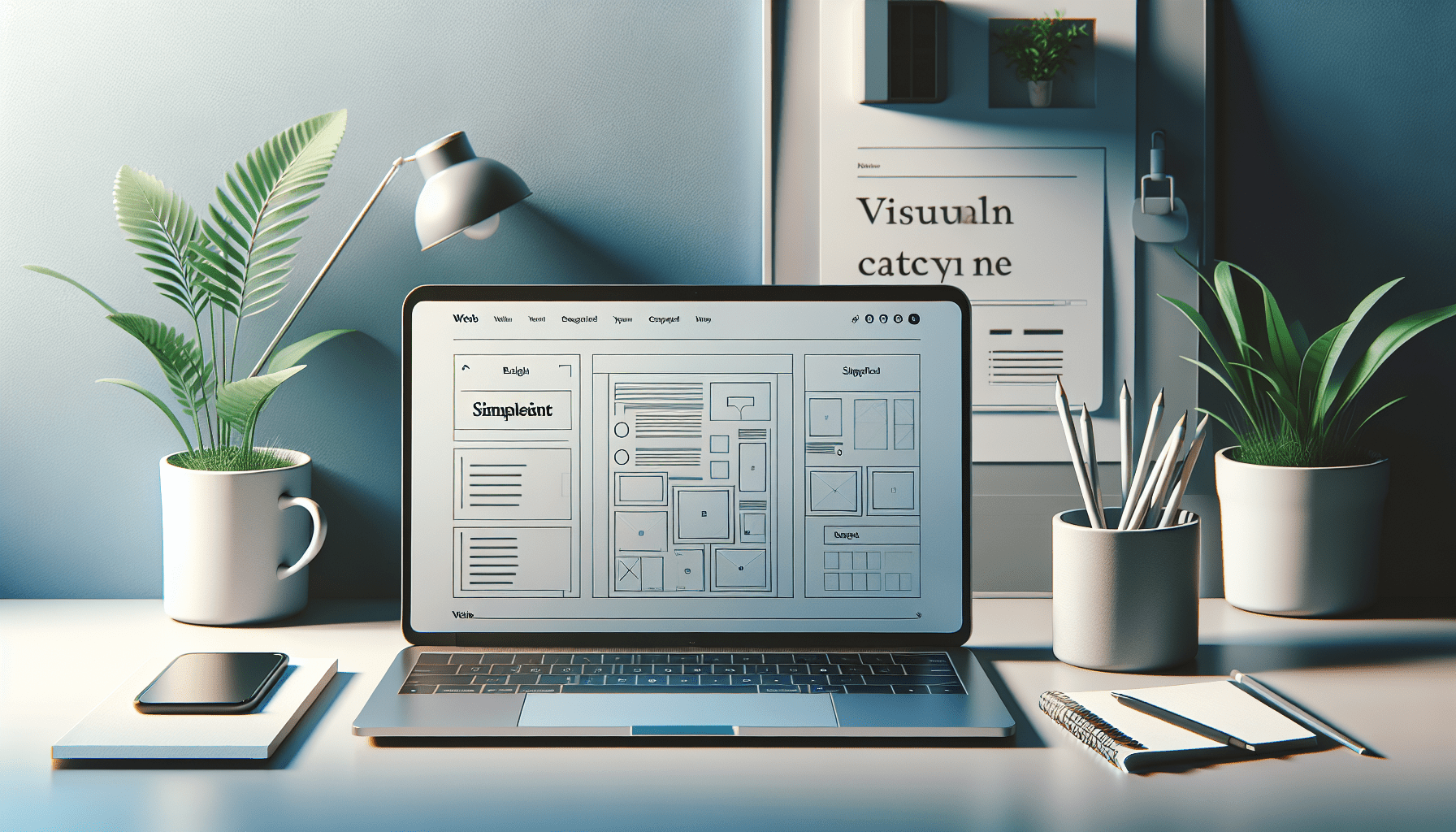
Planning is crucial. Draft wireframes that illustrate how different components of your website will emulate a mobile-app experience. Think critically about user flow, functionality, and interaction during this stage.
Step 3: Development
In the development phase, collaborate closely with designers and developers to ensure that your vision comes to life. Use frameworks like React or Vue.js that facilitate the development of web apps and seamless user interactions.
Step 4: Testing and Feedback
Testing remains a vital stage in the creation process. Once your website is developed, conduct rigorous testing to identify and fix potential issues. Gather feedback from users and adjust your design and functionality based on their experiences.
Step 5: Optimization and Deployment
With your website finalized, focus on optimization. Ensure quick loading times, perfect responsivity, and functionality across all devices. Finally, launch your website, and monitor its performance, making tweaks as needed.
Examples of Successful Mobile-App-Like Websites
Analyzing success stories can provide inspiration and insight. Some websites have managed to achieve this harmony expertly, standing as shining examples:
Duolingo (www.duolingo.com)
Duolingo’s website mimics its mobile app’s look and feel beautifully. It’s consistent across platforms, providing users with a seamless experience whether they’re learning on a desktop or smartphone.
Airbnb (www.airbnb.com)
Airbnb’s website elegantly embodies the design principles of a mobile app, with its simple navigation and swift responsiveness. Their approach to layout and user interaction keeps it intuitive and user-friendly.
Spotify (www.spotify.com)
Spotify serves music in a clean, efficient manner reminiscent of their mobile app. Engaging user interface and straightforward navigation make it easy to browse, search, and listen smoothly.
Enhancing User Engagement with Interactivity
Interactivity can boost user engagement. Consider incorporating elements like:
-
Push Notifications: Prompting users with updates or new content can keep them engaged and coming back.
-
Animation and Micro-interactions: Subtle animations can enrich user experience by guiding, entertaining, or providing feedback on an action.
-
Personalization Options: Allow users to customize their experience, giving them control over themes or view settings can enhance satisfaction and engagement.
Addressing Concerns and Challenges
Breaking from tradition can come with hurdles. It requires balancing aesthetics with functionality and possibly dealing with technical limitations depending on your resources and goals. However, the benefits often outweigh these challenges, as a well-executed strategy can dramatically boost user satisfaction and retention.

Beyond the Basics: PWA and Native Web Apps
If you’re ready to take a step further, consider Progressive Web Apps (PWA). PWAs offer a middle ground between a mobile app and a traditional website. They employ modern web technologies to deliver app-like experiences directly from a browser, with features like offline access, push notifications, and fast load times. This ensures your website remains accessible and engaging even without a dedicated app download.
Conclusion
Creating a website that feels like a mobile app is an exciting endeavor that combines creativity, strategic design, and technical prowess. As you venture into this territory, you’re not only enhancing the aesthetic appeal but also significantly improving usability and user satisfaction. Your ability to seamlessly blend these elements will set you apart in a digital landscape that’s continuously evolving.
Your website will no longer be just a site—it will transform into an experience, appealing to users who demand efficiency and aesthetics in every online interaction. It’s your chance to innovate, to stand out, and to redefine how users connect with what you offer. Through thoughtful design and strategic implementation, your website can offer the charm of a mobile app, captivating users’ hearts and keeping your brand nestled in their minds.